1 minute readNew
Model Profiling connects to your own AITune server
Model Profiling now runs on the AITune server your workspace connects on the Compute page. Before, it could only use a server set up by Last Price, which did not exist, so the page always said AITune was not connected.
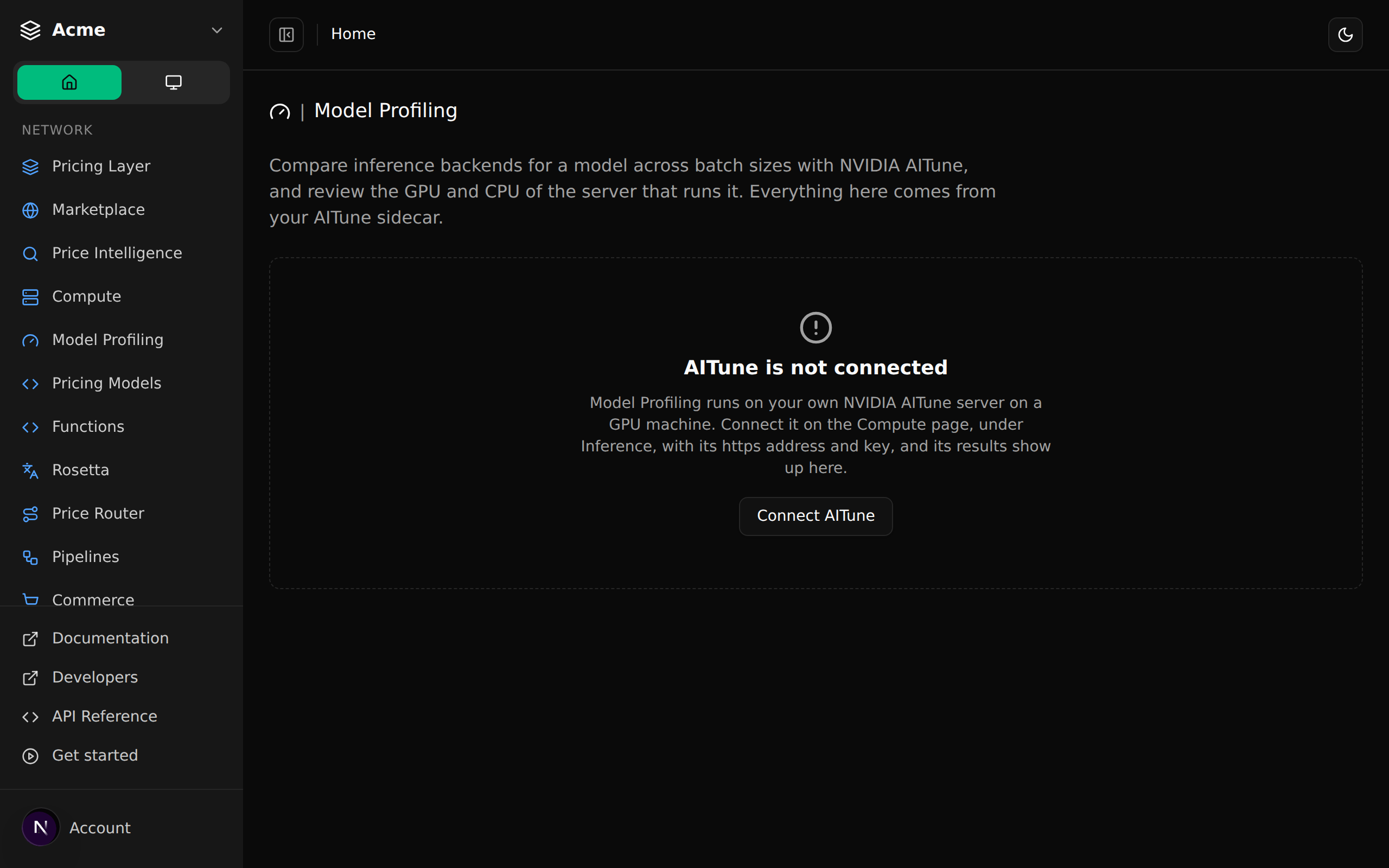
Model Profiling needs an NVIDIA AITune server on a GPU machine. Until now the page could only talk to one server shared by the whole deployment, and none was set up, so there was no way to use it.
- Connect your own AITune server on the Compute page, under Inference: its https address and, if it has one, its key. Last Price checks that it answers before saving it.
- Model Profiling then shows that server's system stats, loads its reports and starts profiling runs on it.
- Each workspace uses its own server; switching workspace switches server.
- Only public https addresses are accepted, and error pages from your server are summarized rather than shown as they are.