1 minute readFixed
Inference provider keys are saved and checked
Connecting an inference provider on the Compute page now saves the key for your workspace, encrypted, after the provider confirms it works. Before, the card said Connected but the key was thrown away.
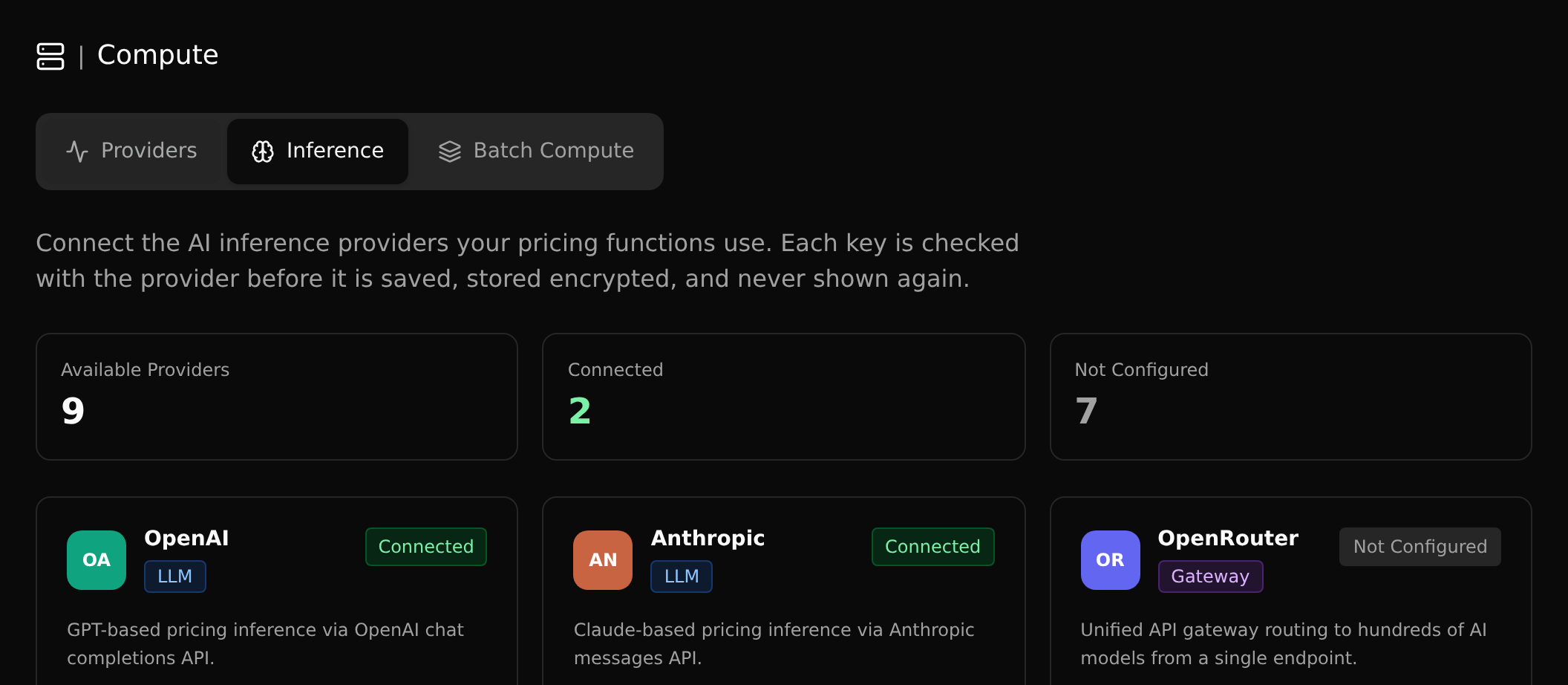
The Inference tab on the Compute page used to show a provider as Connected as soon as you pressed Save, but nothing was stored: the key was discarded and the badge was gone when you reloaded.
- Saving a key now asks the provider whether it is valid first. Only a key the provider accepts is saved, and the dialog tells you why when it is not.
- Keys are stored encrypted for your workspace and are never shown again. The cards show what is really connected, for everyone in the workspace.
- Disconnect removes the saved key.
- The Anthropic card uses the same key as your workspace's own model key, so there is only ever one.
- A self-hosted AITune server connects with its address alone, and only public https addresses are accepted.