1 minute readImproved
Billing pages that fit your phone and say what is really set up
Customers, payments, invoices, orders and the other billing pages keep their messages readable on phones, Orders can export to CSV, and the event tracking and cost tracing guides show your real setup instead of a demo.
We finished the screen-size pass on the billing and commerce pages.
- Loading, empty and error messages on customers, payments, costs, disputes and invoices stay on screen on phones instead of sitting in the middle of a wide table.
- A customer page has a Create menu for a new order or invoice, and a tab that failed to load no longer also says it is empty.
- Orders export to CSV and show each order's name instead of a long id.
- Creating an order now has the same steps, breadcrumb and Cancel button as creating an invoice, and both fit a phone.
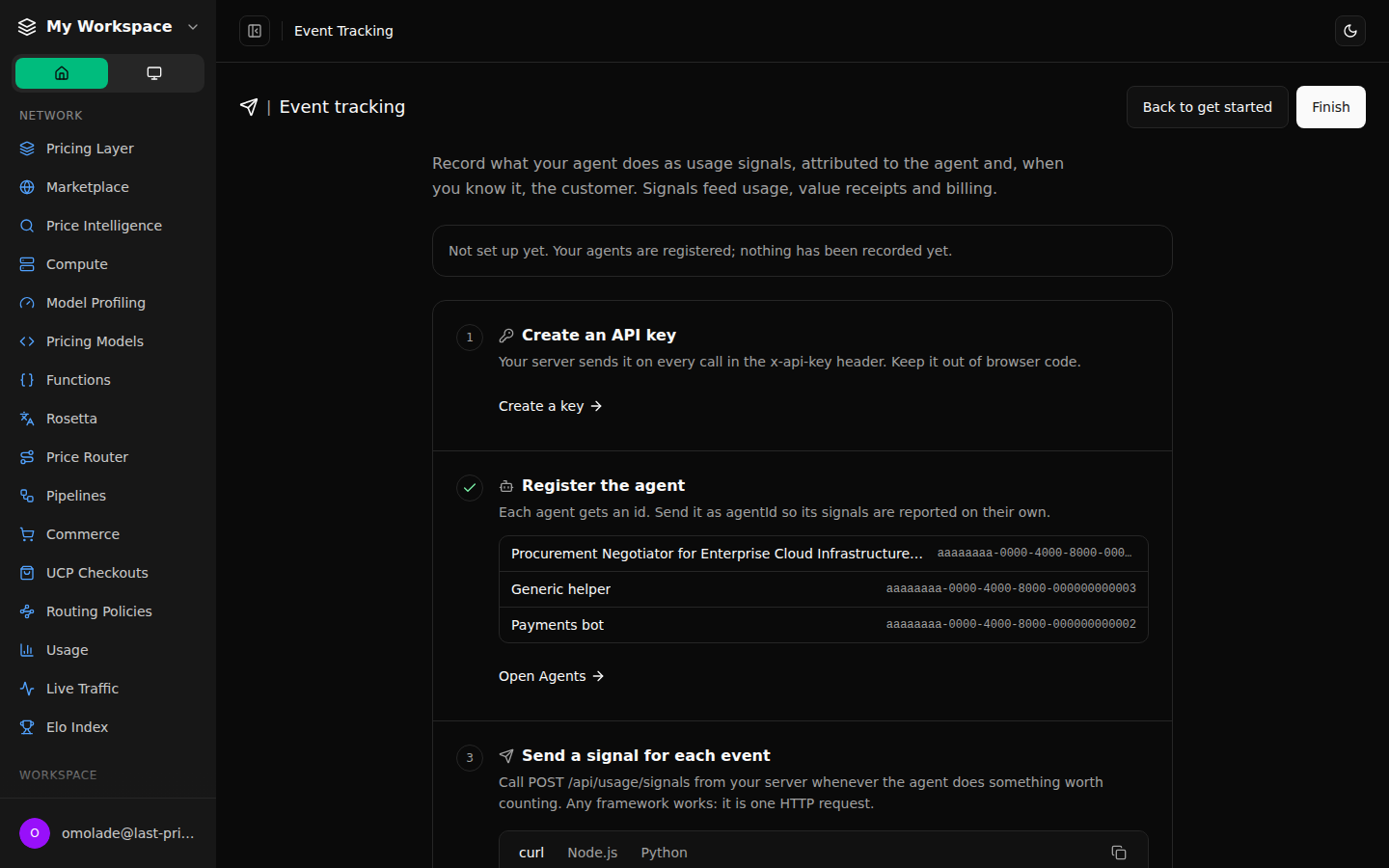
- Event tracking and cost tracing no longer open on a made-up "Setup complete". They walk you through creating a key, registering an agent and recording your first event or cost, and only say you are done when you are.
- Commerce, experiments and live traffic fit tablet widths, and UCP checkouts explain a rate limit in words.