1 minute readFixed
Fetch company info reads your own website
Fetch company info in Company settings now fills in your company's name, description and logo from your homepage. Before, it only said that company enrichment was not configured.
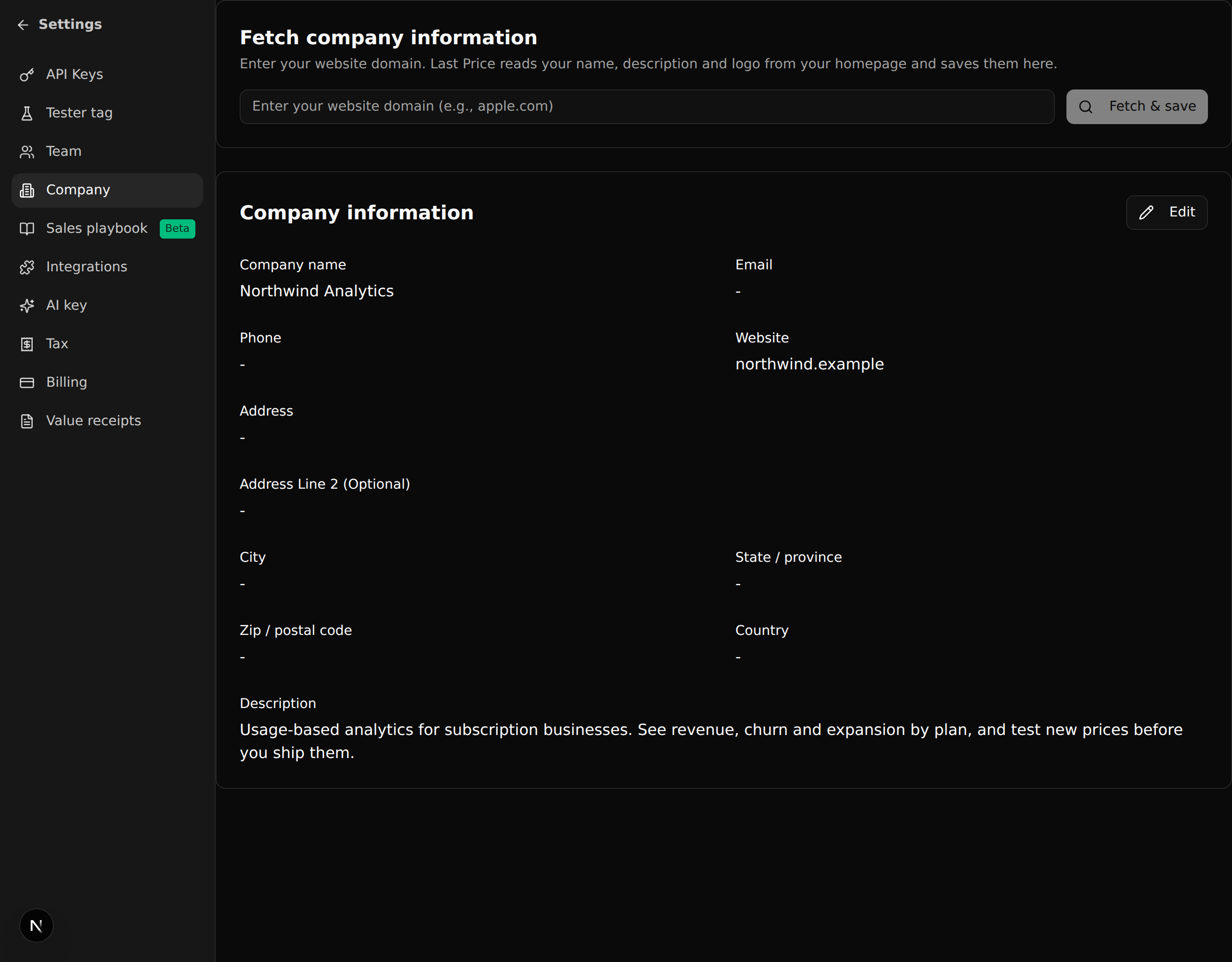
Fetch company info on the Company settings page depended on an outside data service that was never set up, so pressing it only ever told you to type the details yourself.
- Enter your domain and press Fetch & save: Last Price reads your homepage and saves your company name, a short description and your logo.
- Only what your homepage actually says is saved. Fields it does not mention keep what you entered before.
- If the site cannot be reached or does not describe itself, you get a message saying so and can fill the form in by hand, as before.
- Only public websites are read.