2 minute readImprovedAgent-ready
Shorter pages for people, every word for agents
One switch shortens every explanation on the website to its first line, or shows them all. Agents see everything by default, and the full text is always in the page.
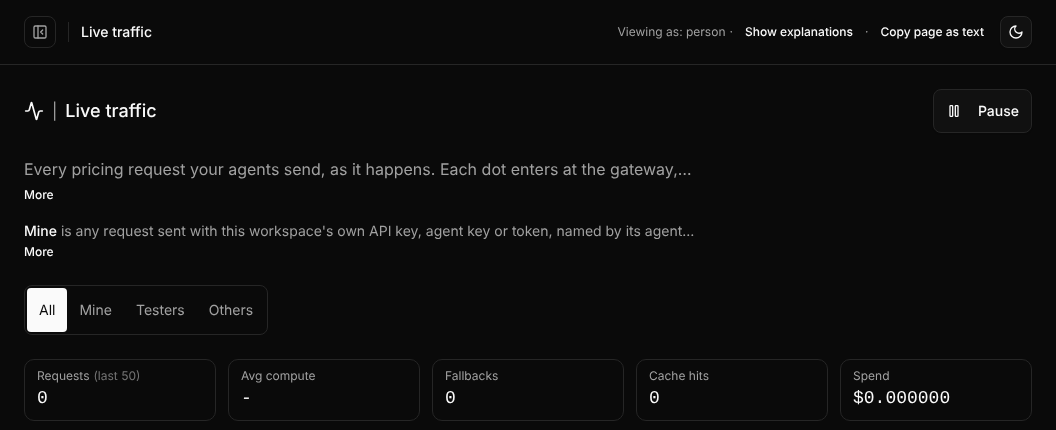
Pages explain a lot, so an agent reading a screenshot or a copied page understands them without clicking anything. For a person that can be heavy. Now one switch decides for every page at once.
- People see first lines. Each explanation shows its first line with More to open it. Show explanations opens them all.
- Agents see everything. A browser signed in with AgentID, a browser driven by automation, or a link with
?explain=allstarts with every explanation open. - Nothing is lost. The full text stays in the page either way, so select-all, copy and screen readers get every word, and Copy page as text copies the page with every explanation.
- You can see which mode you are in. A small "Viewing as: person" or "Viewing as: agent" line sits in the dashboard header and at the end of other pages, with the switch. Your account remembers your choice.
- Info icons keep their text in the page. The few icons that define a single term now open on tap as well as hover, so they work on phones too.
Only presentation changes. Prices, data and limits are the same for people and agents.