1 minute readImproved
Upload your company logo from Company settings
Company settings now has the company logo uploader, next to the company details it belongs with. Billing settings keeps it too, and both save the same logo.
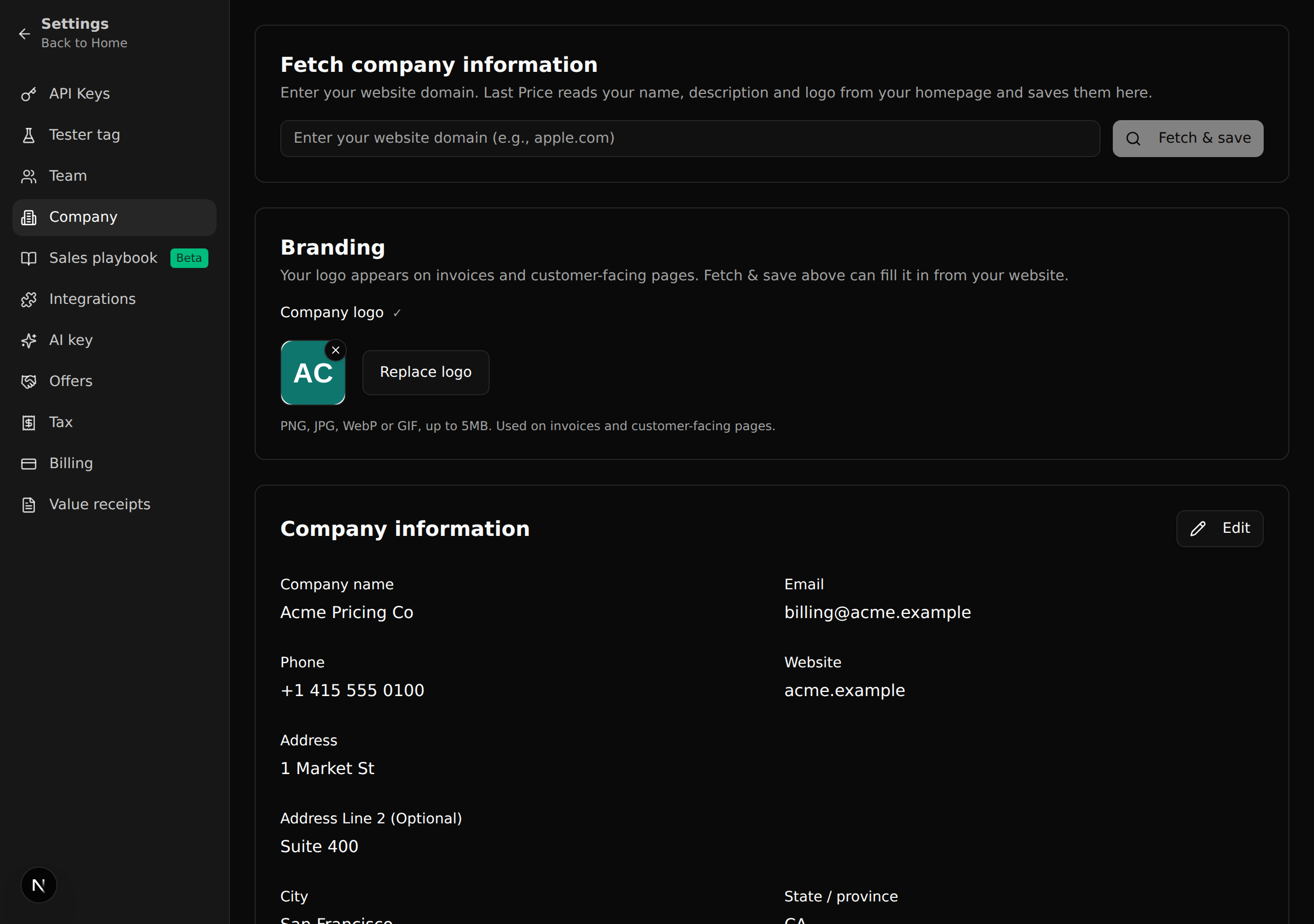
The logo used on your invoices and customer-facing pages can now be added, replaced or removed under Settings, Company, in a new Branding card.
- It is the same uploader as on Settings, Billing, with the same crop step and limits: PNG, JPG, WebP or GIF, up to 5MB.
- A change on either page shows on the other.
- Fetch & save can still fill the logo in from your website.
Questions? Write to support@last-price.ai.