1 minute readNew
See and report outcome-priced calls in Billing
Settings, Billing now has an Outcome pricing section: turn it on, see how many priced calls were used or not, what came back to your balance, and mark a recent call as used or not used.
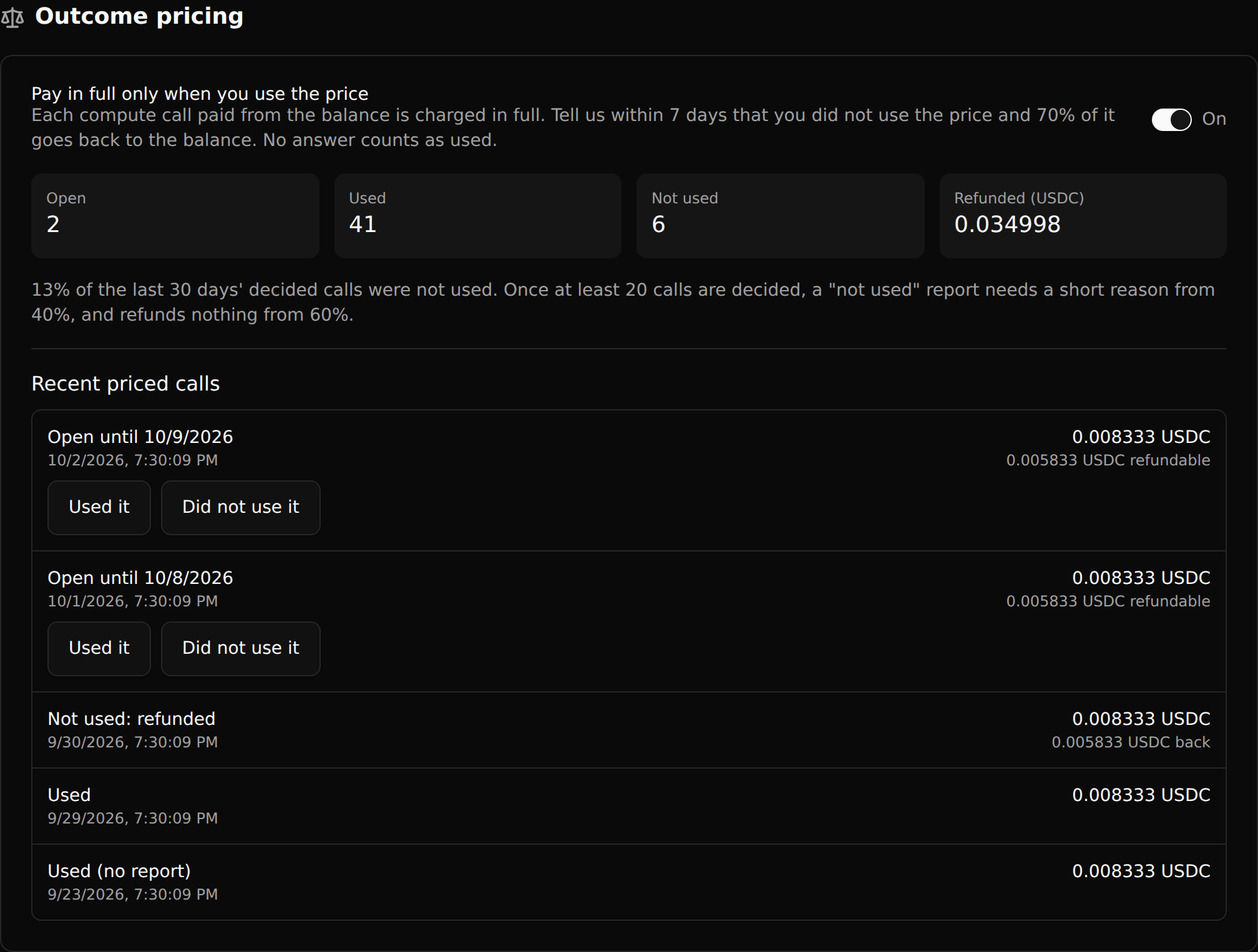
Outcome pricing now has a home in the dashboard, under Settings, Billing.
- One switch turns it on. Calls paid from the prepaid balance are charged in full; tell us within 7 days that you did not use a price and 70% of it goes back to the balance.
- Totals show how many calls are open, used and not used, and how much was refunded.
- Recent priced calls show their price and status. An open one has two buttons, "Used it" and "Did not use it", and says what came back.
- When many of a workspace's prices go unused, a "not used" report asks for a short reason, and the section says where those limits are.