1 minute readImproved
Get started puts the agent setup first
Get started now opens with two ways to hand setup to an agent: add the MCP address to your assistant, or create a key inside a message you paste into your own agent. The three manual steps follow.
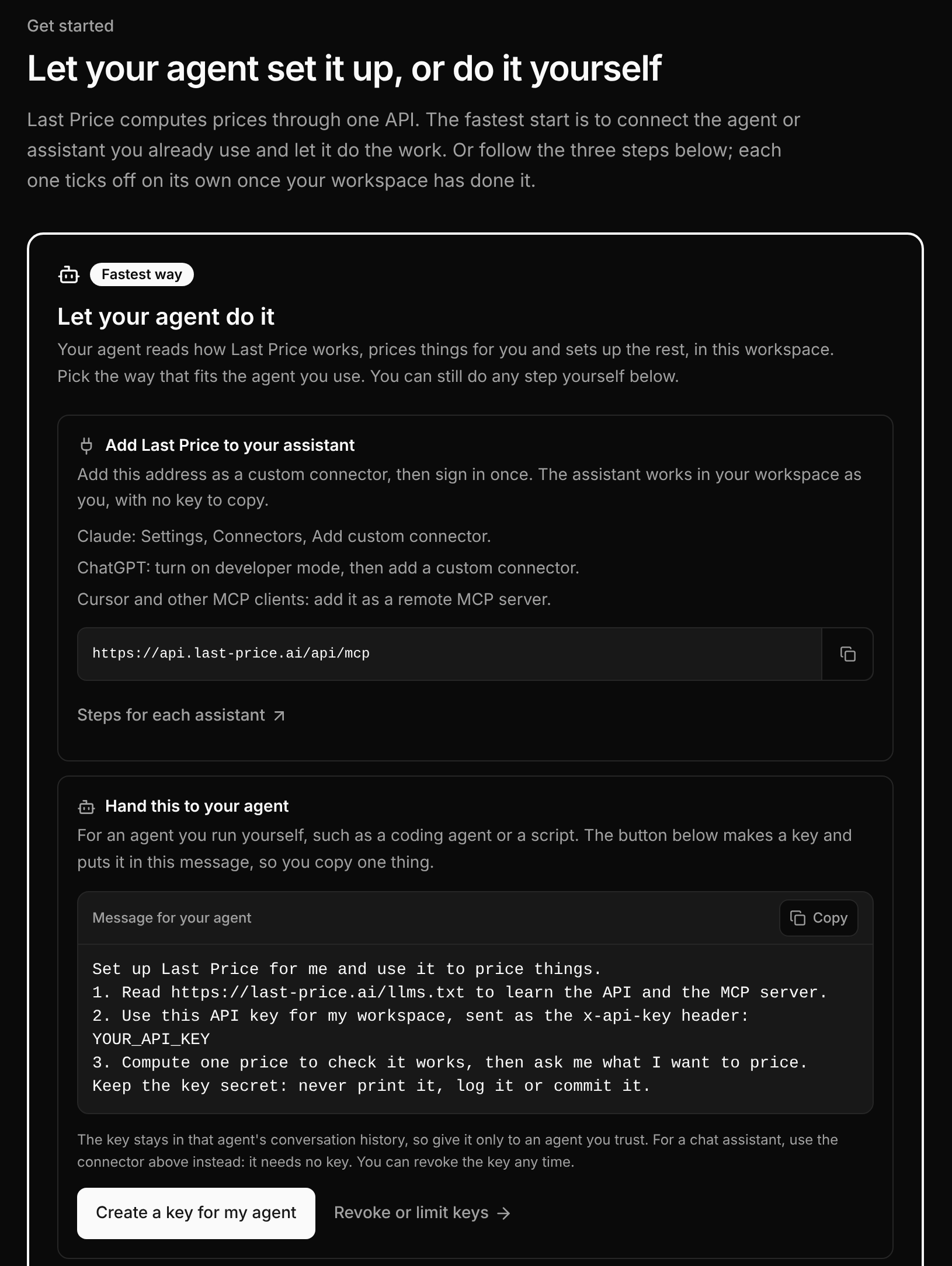
- Add Last Price to your assistant. Copy the MCP address into Claude, ChatGPT, Cursor or another MCP client and sign in once. No key is needed, and the page shows which assistants are already connected.
- Hand this to your agent. For a coding agent or script, Create a key for my agent makes a key and puts it in a short message to paste: where to read the API, the key, and a first price to check that it works.
- Do it yourself. The three manual steps are still below and tick off as your workspace completes them.
- The cards under "Then pick what you are building" list first what your workspace already uses, such as experiments, a connected store or agents.
- The welcome screen after sign-up offers "Let your agent do it" next to "Price something".