1 minute readNew
Your photo stays on the price, and the card can be saved
In the mobile app, the photo you priced stays at the top of the result with the price tag on it, and the share sheet can save that card to your photos.
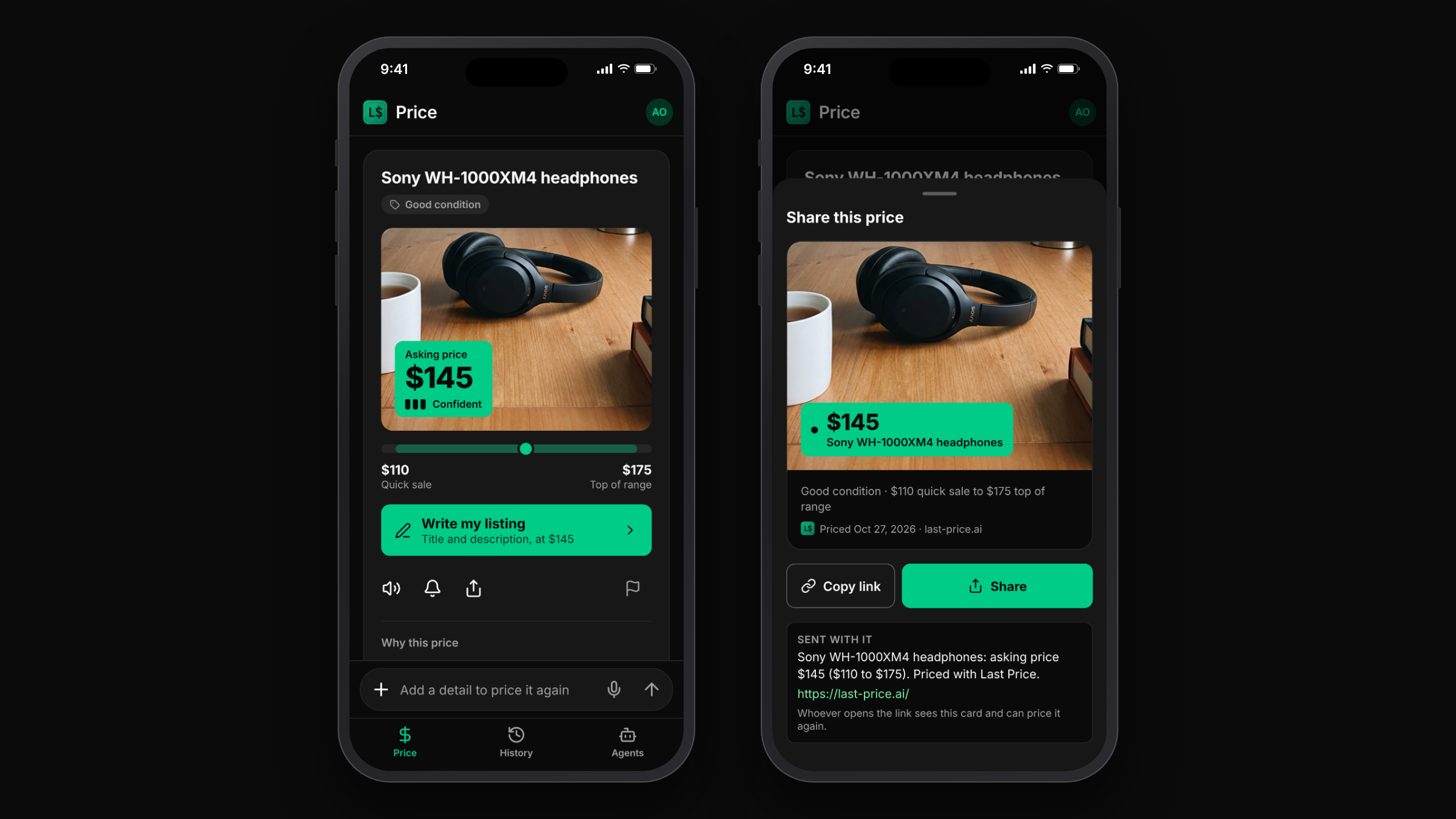
- The photo stays. The result shows your photo with the price tag on it.
- Save or share the card. The share sheet makes one image: your photo with the price tag, the condition and range, and the date. Save adds it to your photos; Share sends it with a link.
- From History. A past price shows its photo and can be saved or shared the same way.
Saving asks only for permission to add photos, not to read your library.