1 minute readNew
Choose a language for the app
Use French, Spanish, German, Portuguese, Japanese, Simplified Chinese, Korean or Arabic on supported app screens, with right-to-left layout for Arabic.
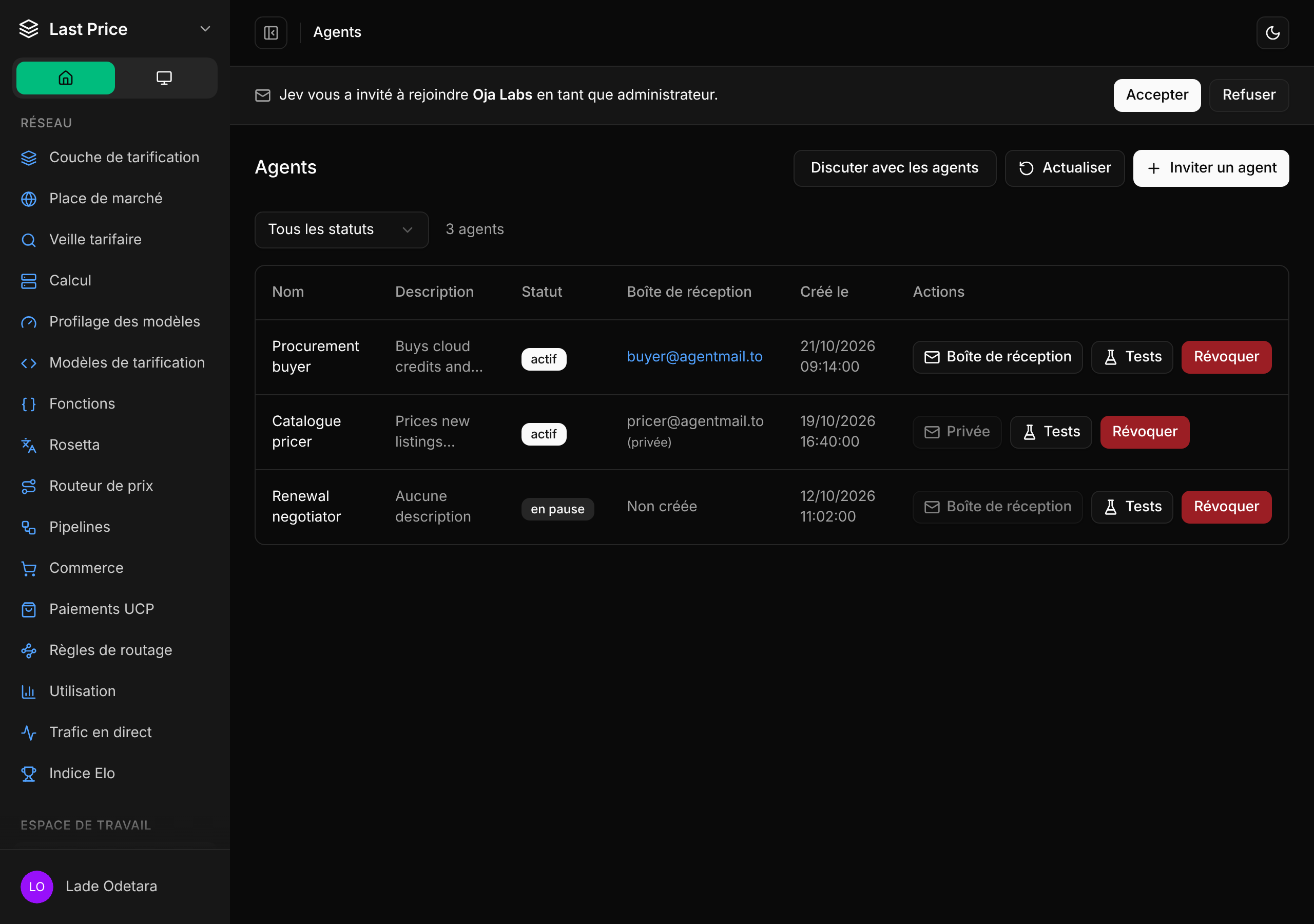
Choose a language in Profile > Locale & display.
- Menus, Settings, the workspace switcher, invitations, Get started and the Agents page use your chosen language. Code snippet copy-button labels follow it too.
- Before sign-in, the app uses the language last selected on the device or a supported browser language.
- Localized numbers, plurals and dates follow the selected locale, and Arabic uses right-to-left layout.
Translation coverage varies by screen; untranslated text remains in English.