2 minute readNewAgent-ready
Buyers and their agents can make you an offer
Open a product to offers and any buyer, or the agent shopping for them, can name a price with no account. Each offer is answered with accept, counter or reject, with the price and the reason, and never below your floor.
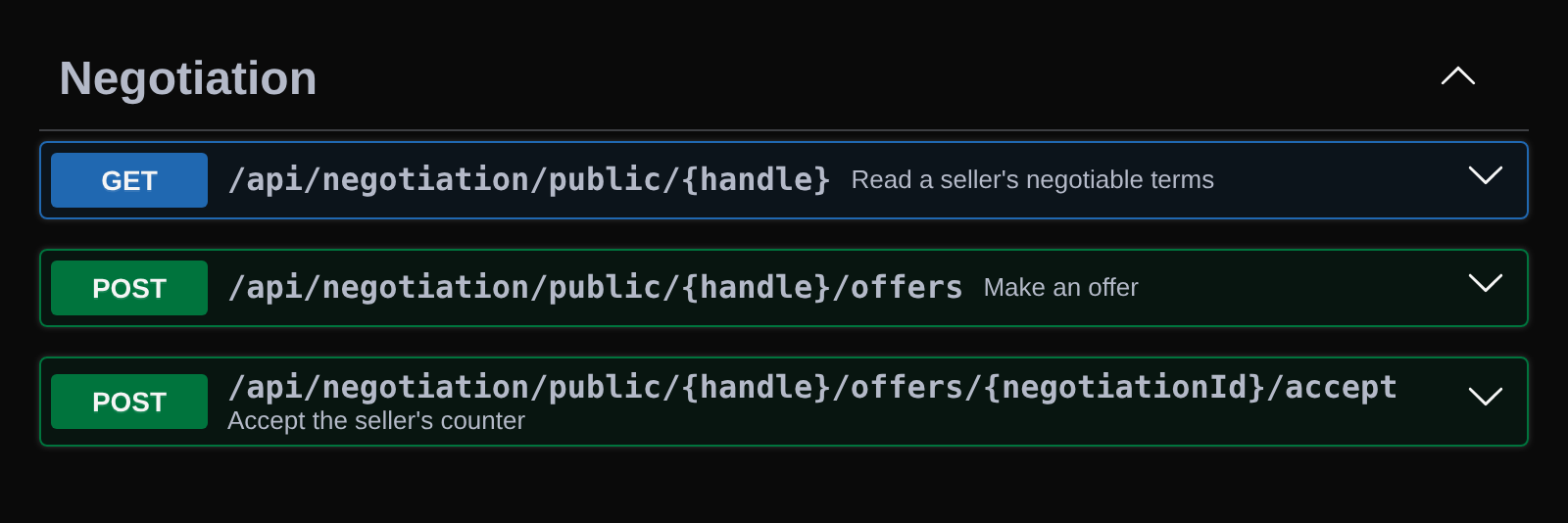
Some buyers would rather haggle than pay the sticker price, and more of them now send an agent to do it for them. You can now let them, on your terms.
- Switch offers on in Settings, Offers, then on each product, with its list price and a private floor
- A buyer reads your terms and makes offers with no account and no key; each answer is accept, counter or reject, with the price and the reason in plain words
- The answer comes from your own price for the product, your floor and your price guardrails (minimum margin, never below cost, the most a price may move), so a price below your floor is never offered or accepted
- You choose how many offers a negotiation allows, how much you give each round, which lowball offers to ignore, how long a counter stands and how many new negotiations a day you take
- Try any offer first and see what a buyer would be told, with the limits only you see
- Each counter and the buyer's answer to it is recorded as a quote with its outcome, so your demand estimate learns from what buyers actually said yes and no to
- Off by default for every workspace and product, and rate limited for everyone