2 minute readDesign
Get started keeps you on the page until you are done
You can now create your API key, check for your first call and activate your pricing function without leaving Get started, and any page a step does open leads straight back.
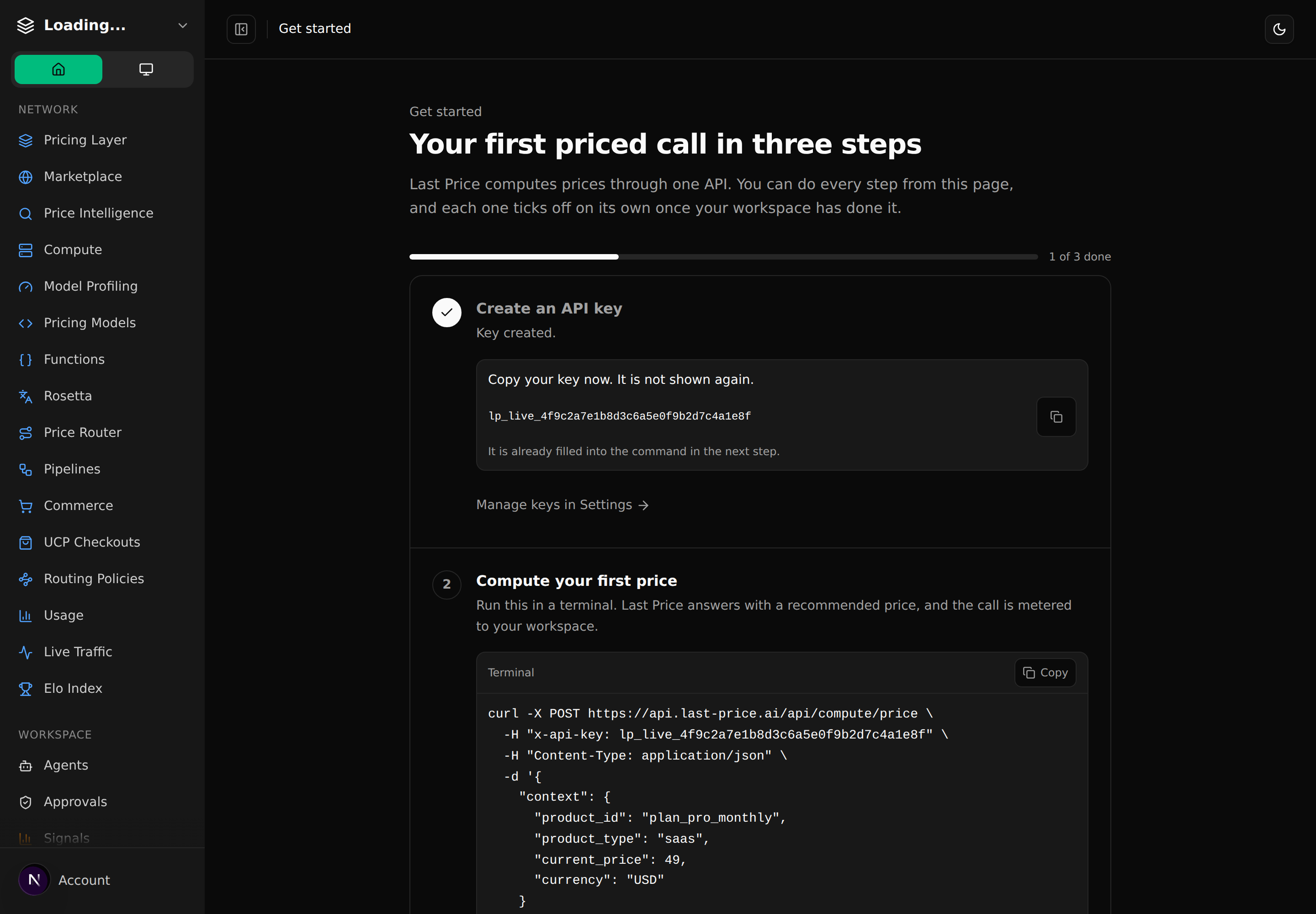
Get started used to send you around the app: creating a key opened Settings, and Back from Settings went to Agents.
- Create a key right on the page. The key is shown once to copy and is filled into the first-call command, so it runs as pasted.
- Check for your first call in place. Run the command, press "I ran it, check again", and the step ticks off.
- Activate a draft function from the page. A newly registered function starts as a draft; Get started now spots it and activates it for you.
- A way back from every step. Pages opened from Get started show a "Back to Get started" bar, and the function form opens ready to fill in.
- Back from Settings returns where you came from, and the Settings header says where that is.
- Documentation and the API reference open in a new tab, so the checklist stays where it was.
- Billing setup is now reachable. Get started links to the Monetization guide, which links the event tracking and cost tracing guides.
- The "Back to dashboard" button on a missing page now goes to the dashboard instead of the homepage.