1 minute readFixed
Customer detail tabs now switch what you see
The tabs on a customer's page now show one section at a time, and Payments, Credit balances and Costs list that customer's records.
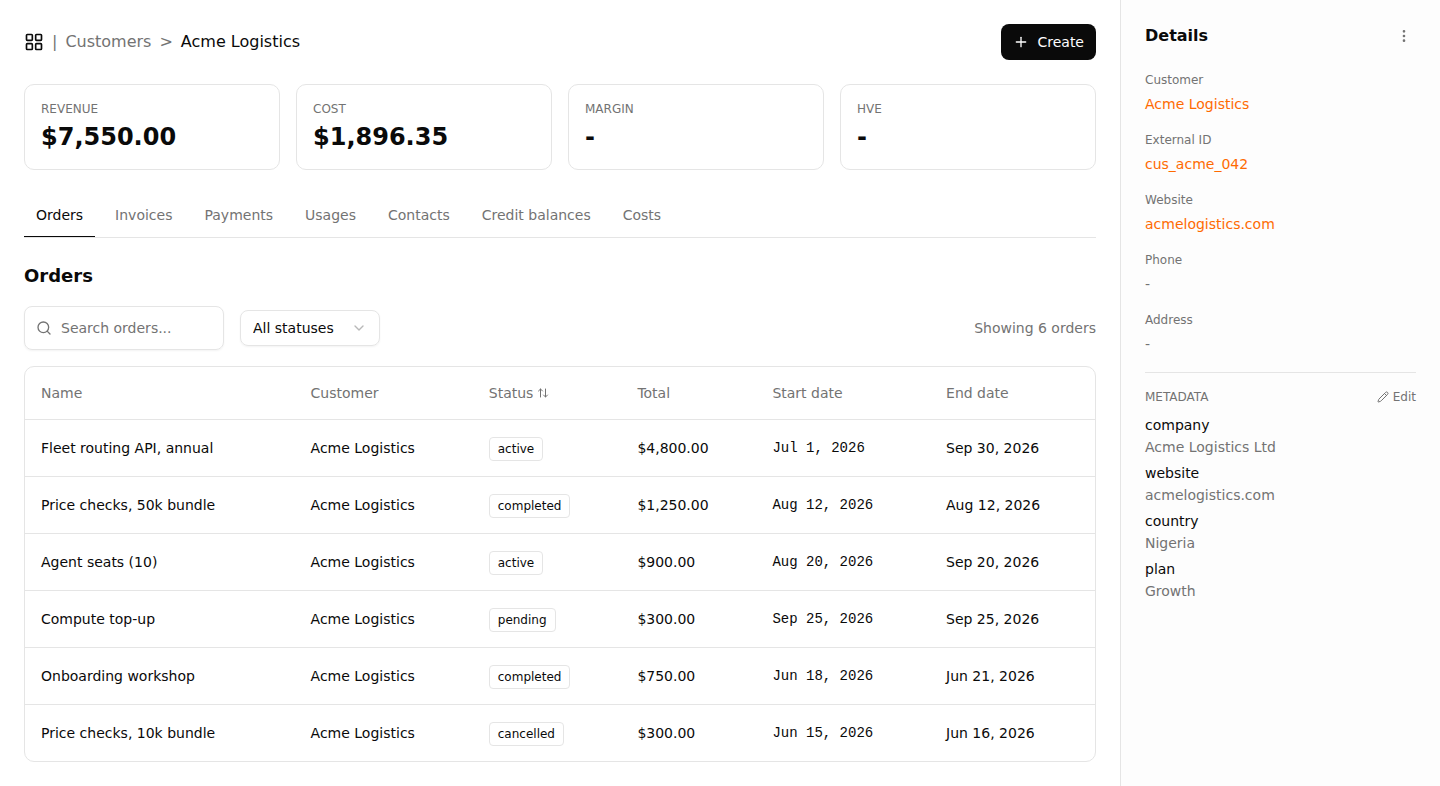
Clicking a tab on a customer's page used to move the underline while every section stayed on screen, and several tabs led nowhere.
- The page now has seven tabs: Orders, Invoices, Payments, Usages, Contacts, Credit balances and Costs. Orders opens first.
- Each tab shows only its own list, with a clear message when that list is empty.
- Payments lists the customer's payments with the invoice each one settles, and the total paid.
- Credit balances lists the customer's credit bundles with their remaining balance, status and expiry, and the balance still available.
- Costs lists the costs recorded against the customer, and the COST figure at the top of the page now shows their total.
- Overview and Intel were removed because nothing was behind them.
- The tabs work with the keyboard: arrow keys move between them, and Home and End jump to the first and last.
- The page now fits a phone screen, with the details panel moving below the lists.
- The payments, credits and costs lists in the API accept a
customerIdfilter that returns one customer's records.